
Getting Started
Download and Install
Neokikoeru is written in Go and runs cross-platform. Just download the binary for your platform from the Releases page and run it — no extra dependencies required.
Start Using It
Start the Neokikoeru service:
$ neokikoeru serveTIP
On Windows you can simply double-click neokikoeru.exe to run it.
The program listens on port 5233 by default. Once the service is running, open http://localhost:5233 in your browser. If everything works, you will see a page like the one below.
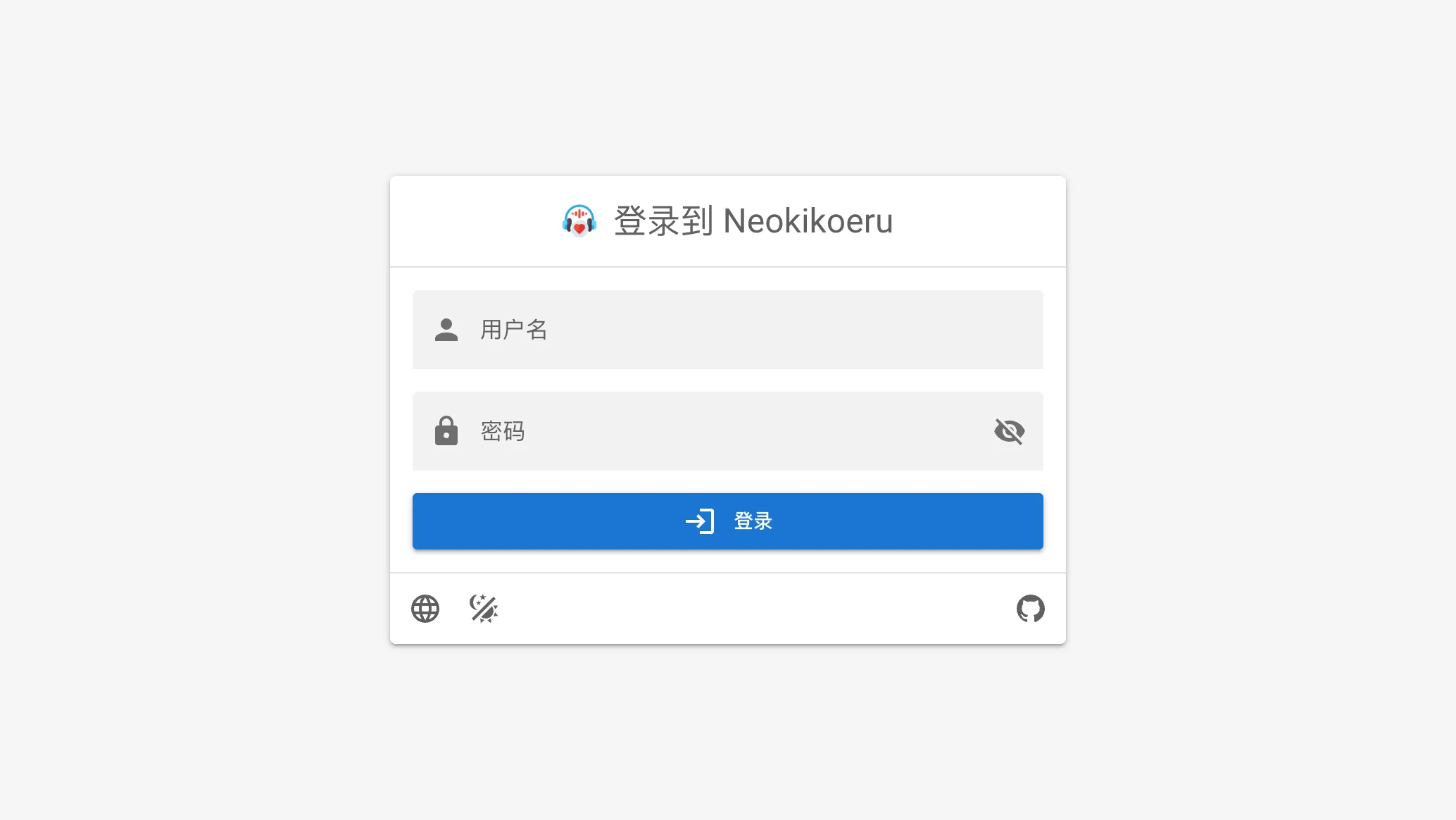
NOTE
The first run requires initialization.
Windows Service
You can register Neokikoeru as a Windows service, so the command-line window does not need to stay open and the service can start automatically at boot.
Open a terminal as administrator, switch to the directory containing the Neokikoeru program, as shown below.
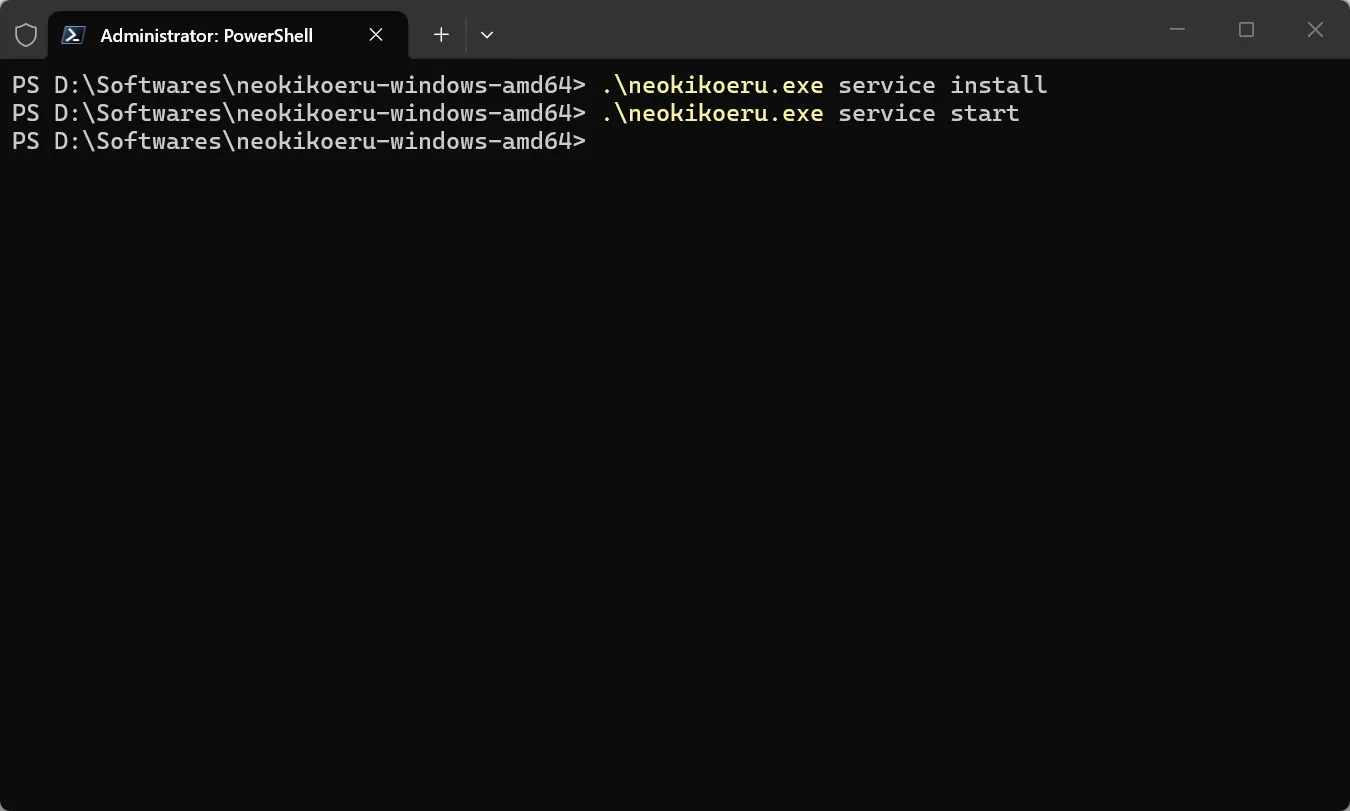
Install the Service
$ .\neokikoeru.exe service installStart the Service
$ .\neokikoeru.exe service startStop the Service
$ .\neokikoeru.exe service stopUninstall the Service
$ .\neokikoeru.exe service uninstallTIP
A program running as a service no longer prints logs to the console, so run Neokikoeru in the foreground once to initialize the administrator account before registering it as a service.
Docker Deployment
Create a working directory, for example neokikoeru.
$ mkdir neokikoeru
$ cd neokikoeru
Create a docker-compose.yml file with the following content:
name: neokikoeru

services:
  server:
    image: vscodev/neokikoeru:latest
    ports:
      - "5233:5233"
    volumes:
      - "./data/:/var/lib/neokikoeru/"
    environment:
      - TZ=Asia/Shanghai
      - PUID=0
      - PGID=0
      - UMASK=022
    restart: unless-stopped
Then run:
$ docker compose up -d